Sync with iCloud and back up your data
Keep your Vinaa data available on other Macs and save a separate export for safekeeping.
Written By Sujeevan Nagarajah
Last updated 22 days ago
iCloud sync keeps supported Vinaa data in step across Macs using the same iCloud account. An export gives you a separate copy: deleting a synced chat also deletes it on your other Macs.
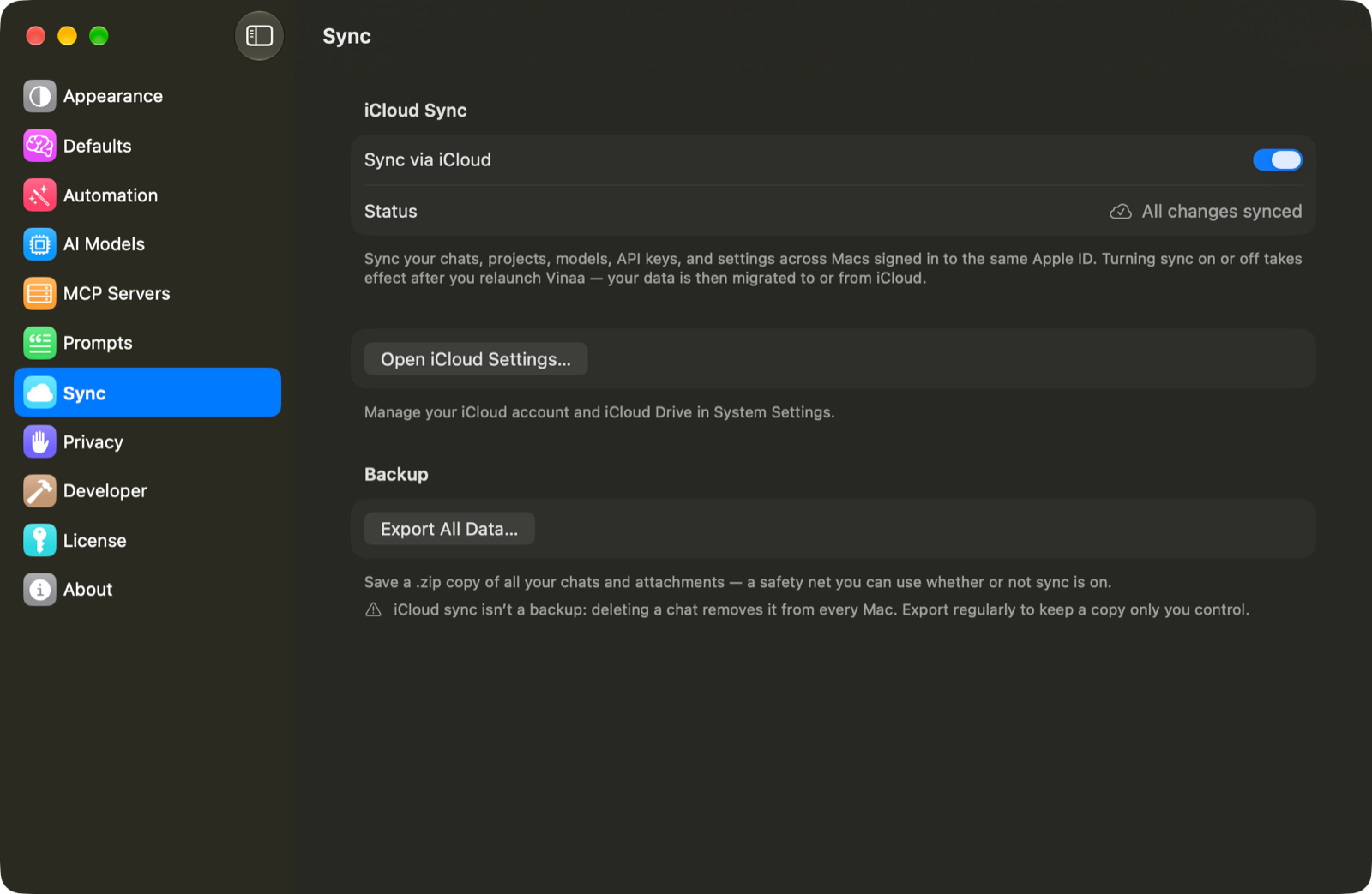
Turn on iCloud sync
Choose Vinaa → Settings..., or press ⌘,.
Select Sync.
Turn on Sync via iCloud.
Click Relaunch Now when prompted.
Repeat these steps on each Mac you want to sync.
If you choose Later, the change takes effect the next time Vinaa launches. Sync is a separate choice on each Mac. Use Open iCloud Settings… if you need to check your iCloud account or iCloud Drive.
Understand what syncs
Sync covers chats, projects, folders, attachments, model and connection information, and supported app settings. API keys—the secret credentials that let Vinaa use your AI provider—use macOS Keychain and supported keys can sync through iCloud Keychain.
Some connections still need setup on each Mac, especially connections that rely on software or sign-in files on that Mac. A connection marked Setup required needs attention in Vinaa → Settings... → AI Models before you can use it there.
Check sync status
In Sync, check Status:
Save an export
Open Vinaa → Settings... → Sync.
Under Backup, click Export All Data….
Choose a name and save location for the
.zipfile.Save the file.
The archive contains a copy of Vinaa's database and locally available attachment files. Make sure attachments you need can be opened on that Mac before relying on the export. This export does not separately export your Keychain credentials.
Keep regular exports somewhere you can find them independently of Vinaa. The export is a data archive, not a Markdown or PDF document for reading; use chat export for those formats.
Turn off sync on a Mac
Turn off Sync via iCloud, then relaunch when prompted. Vinaa copies the data back to that Mac and downloads attachments stored only in iCloud first. Allow that process to finish.
Related articles
Export or share a chat
Fix AI connection problems
Privacy, crash reports and analytics
Report a problem
Was this helpful?
Still need help? Ask the team