Which AI connection should I use?
Compare API keys, subscription plans and local models to choose your first AI connection.
Written By Sujeevan Nagarajah
Last updated 22 days ago
Vinaa is the app you chat in; an AI connection provides the model that writes replies. You can add more than one connection and choose a different model for each chat.
Compare your options
An API key is a secret code that lets Vinaa use an AI provider through your account. A local model runs on your Mac rather than on a provider's computers.
Local operation depends on using a downloaded model, rather than a cloud model. See the Ollama FAQ and LM Studio's offline guide. OpenRouter forwards requests to model hosts; review its privacy and billing information.
Choose a starting point
For a simple setup without Terminal: use an API key. Google's Gemini API has a free tier for eligible projects and models, with limits; check Google's pricing.
If you already have ChatGPT: consider ChatGPT Plan if you're comfortable following a few Terminal steps. Check OpenAI's current plan access and limits.
If you already have Claude: Claude Plan is Experimental and may stop working. For API access instead, choose Anthropic and manage API billing separately.
For offline work or local processing: choose a downloaded model in Ollama or LM Studio, or Apple Foundation Models on a supported Mac. Model size and your Mac's memory affect local performance.
To try models from many providers through one account: consider OpenRouter. Use OpenAI-Compatible API when a service gives you an OpenAI-compatible server address.
Cloud connections send the content needed for your request to the service. A local model keeps model processing on your Mac, but online tools still contact their services, and iCloud sync is a separate setting.
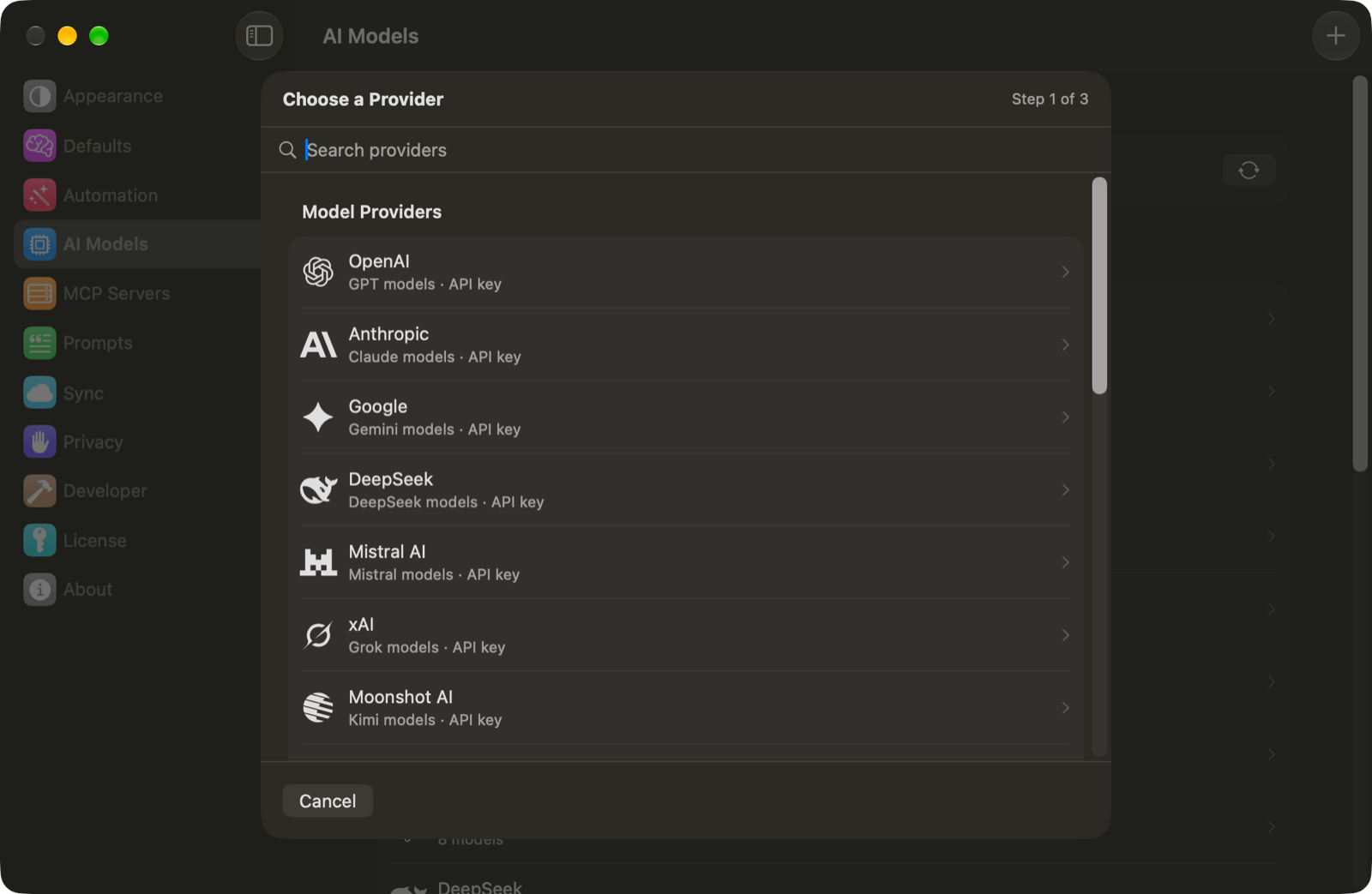
Find the connection choices
Open Vinaa → Settings… (⌘,).
Select AI Models.
Click Add Connection in the toolbar.
Choose a provider to begin its setup.
Note: Your Vinaa purchase or trial covers Vinaa. Any AI subscription, API credits or hosted-model charges are managed separately with the provider.
Related articles
Connect an AI provider
Get a Google Gemini API key
Use your ChatGPT plan in Vinaa
Run models locally with LM Studio
Was this helpful?
Still need help? Ask the team