Get an Anthropic (Claude) API key
Create a Claude API key in the Claude Console and add an Anthropic connection to Vinaa.
Written By Sujeevan Nagarajah
Last updated 22 days ago
Choose Anthropic in Vinaa to use Claude through the API. An API key is a secret code that connects requests to your Claude Console account and its API billing.
Understand API billing
The Claude API and your Claude app subscription are separate ways to use Claude. For the API, you need a Console account with usable credits or another billing arrangement. Most organizations use prepaid credits; see Anthropic's billing guide.
Some eligible Claude subscriptions offer API credits, but you must link a Console organization and claim them. Check Anthropic's current API credit program. A Claude app login alone isn't an API key.
If you want Vinaa to use your Claude plan through Claude Code instead, follow “Use your Claude plan in Vinaa.” That connection is Experimental.
Create your Console account and key
Sign in or create an account in the Claude Console.
Open the Console billing page.
Check for usable credits, or add credits using the billing options available to your account.
Open the API keys page.
Click Create key.
Give the key a recognizable name, such as Vinaa.
Choose the requested expiration, account and workspace options for your own use.
Create the key.
Copy the full secret key before closing the dialog.
The Console shows the full secret only when it is created. If you lose it, create another. See Anthropic's key-creation guide for account and permission details.
Connect Anthropic in Vinaa
Open Vinaa → Settings… (⌘,).
Select AI Models.
Click Add Connection in the toolbar.
Select Anthropic under Model Providers.
Enter a Name, or keep the suggested name.
Paste the key into API Key.
Click Continue.
In Choose Models, select the Claude models you want available.
Click Add Connection.
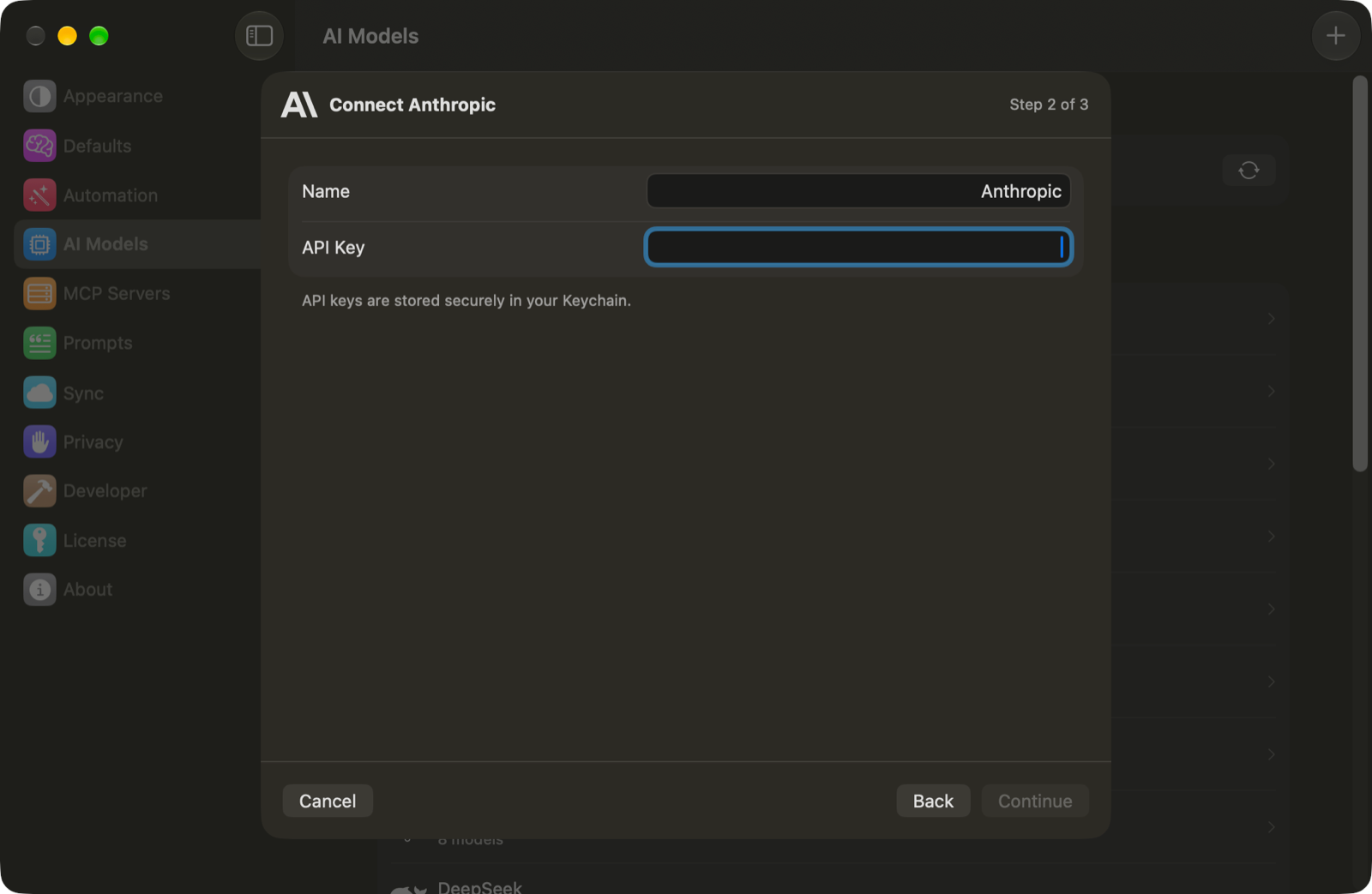
Your key is stored in the macOS Keychain. Open a chat and press ⌘L to choose one of the Claude models you added.
Check costs or replace a key
API use is charged according to the model and the amount processed, measured in tokens—small pieces of text. Review Anthropic's current API pricing and your Console usage.
If messages fail after setup, check your Console credit balance and the error shown in Vinaa. To replace a revoked or expired key, open your connection in AI Models and click Edit…. Keep secret keys out of chats and screenshots.
Related articles
Which AI connection should I use?
Use your Claude plan in Vinaa
Choose a model for a chat
Fix AI connection problems
Was this helpful?
Still need help? Ask the team